If you want to edit Google videos quickly and beautifully, Google Photos just made the job much easier.
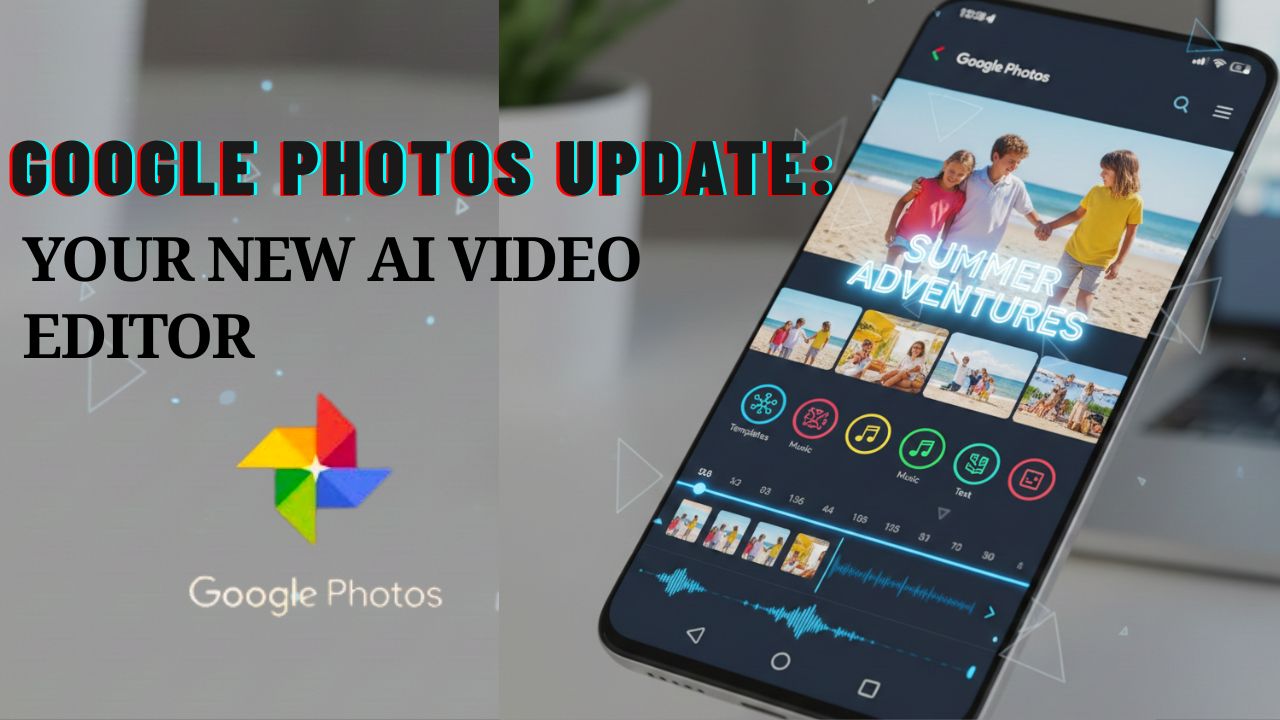
Google Photos is no longer just a place to save your memories, it’s quickly turning into a full creative studio. On December 9, 2025, Google announced one of its biggest updates yet, bringing AI-powered video editing tools directly into the Photos app. With this upgrade, anyone can make stylish, polished videos without learning complicated software.
Google’s Official Announcement : 9th December, 2025
Google introduced five core upgrades aimed at making video editing easier and more creative for everyday users.
The five practical additions are:
- Ready-made video templates:
Google added AI templates that automatically align clips, transitions, text, and a chosen soundtrack. With a few taps, you get a polished highlight reel which is perfect for birthdays, trips, or social media.
This feature rolls out first on Android.
- Fully Redesigned Video Editor with a Universal Timeline:
The new editor gives you a cleaner workspace.
The universal timeline lets you rearrange clips, trim videos, add effects, and manage everything in one place which is similar to popular applications such as CapCut, but it is simpler.
- Built-In Music or soundtrack library:
Google Photos now includes integrated music browsing experience categorized by moods such as Chill, Bright, and Dramatic.AI helps to automatically align the video cuts perfectly with the rhythm.
- Custom text overlays:
You can now add stylish text with new fonts, colours, and backgrounds to highlight videos and individual clips. Some advanced text options are rolling out first on Android users.
- Clip-level Controls:
This upgrade allows you to edit each clip separately. It lets you to trim, crop, rearrange, adjust speed, add filters, add music or text to the individual clips inside the same editor/ Google Photos, you don’t need to switch to any other external editor.
Google’s official product blog (9th Dec, 2025) Click here
Rollout Timeline Across Devices
- Announced on: December 9, 2025
- Android users: Receives most of the features first, including templates and dynamic text
- iOS users: Receiving updates gradually, some features may arrive slightly later.
- Global Availability: Updates from media outlets show availability expanding between 9th Dec to 11th Dec, 2025.
Google also confirmed that the new video editor is now the default on Android.
Why This Update Matters to Everyday Users
- It gives faster editing experience without extra apps. You don’t need CapCut or any other applications to edit Google videos Photos quickly anymore.
- It gives AI-Powered Creativity. Templates with music synchronization helps even the beginners to create beautiful videos.
- It is a Better Storytelling Tool. The universal timeline makes it easier to craft smooth narratives.
- It also stays Consistent Across Platforms. Android and iOS users now get a more unified Google Photos experience.
How to Edit Google Videos Using the New AI Tools
Creating a Highlight Video
Step 1: Open Google Photos
Step 2: Go to Create
Step 3: Select Highlight Video
Step 4: Choose photos and clips
Step 5: Apply templates, add text, and select music
Android users may see more templates during the initial rollout phase.
Editing a Single Video
Step 1: Open your video
Step 2: Tap Edit
Step 3: Use the universal timeline to trim, crop, add music, or overlay text
Canva and Affinity Now Free for Designers Worldwide.Click here to know more
Conclusion
The December 2025 update brings Google Photos into a new era of AI-powered creativity.
Whether you’re editing simple clips or making a complete highlight video, Google Photos now gives you powerful, easy-to-use tools to edit Google videos with style and speed.
As the update continues rolling out globally, users can enjoy smarter templates, better timelines, enhanced text, and music syncing — all from their smartphone.
It’s clear that Google wants to transform Photos into a full storytelling platform, and this update is only the beginning.
FAQs:
Q1. Can we use Google Photos to Edit Google Videos for free?
Yes, all tools included in the December 2025 update are free for Google Photos users.
Q2. Do the new templates work on both Android and iOS?
Templates roll out first on Android, with iOS following gradually.
Q3. Can I edit long videos with the new timeline?
Yes, the universal timeline works for short and long videos.
Q4. Does this update require more storage?
No, but editing large videos may temporarily use device processing power.
Q5. Is the update available worldwide?
Yes, according to reports, the rollout expanded globally between 9th Dec to 11th Dec, 2025.